TouchMousePointer
| HOME | DOWNLOAD | HISTORY | SCREENSHOT | HELP | PURCHASE | Japanese page |
What is TouchMousePointer
TouchMousePointer is desktop application for Windows 8, Windows 8.1, Windows 10 or later.
For tablet PC or convertibles PC slate mode.
Requires touch interface.
Like a touch pad(track pad) pointing device on screen by touch interface.
It's on-screen touchpad.(on-screen mouse / mouse emulator / mouse simulator)
Operation
Taskbar icon
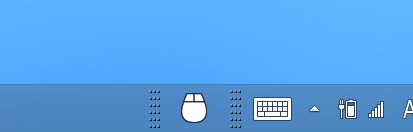
Tap this icon to begin.
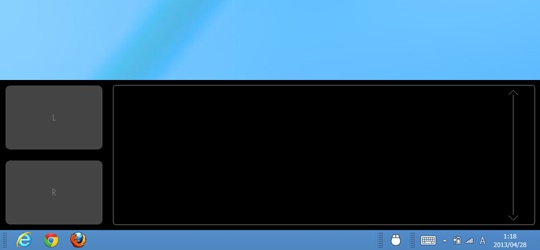
Touch pad like user interface.
Visualize cursor
Tap this icon to begin.
Touch pad like user interface.
3 way visualize current position.
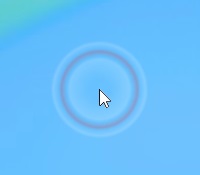 Sonar |
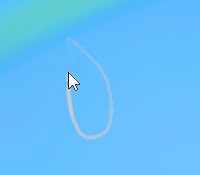 Track line |
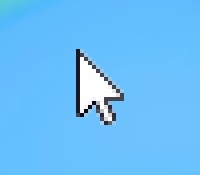 Fake arrow cursor |
Operation example
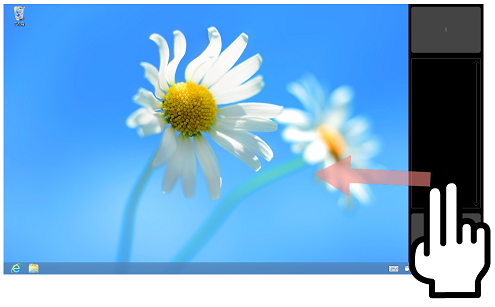
Two fingers operation.
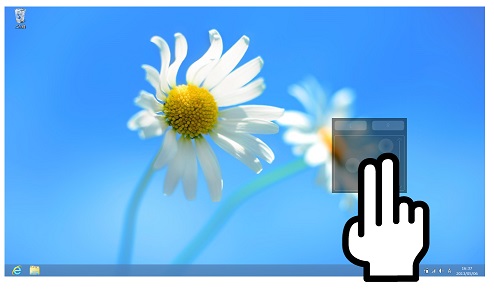
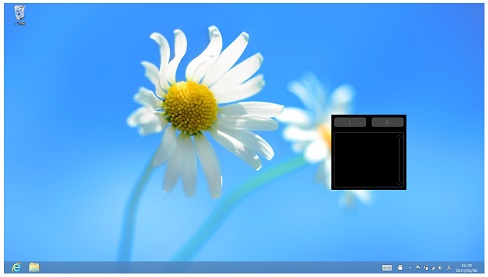
It's on screen touch pad.
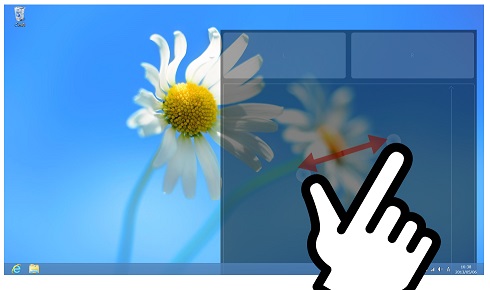
Fullscreen by pinch out.
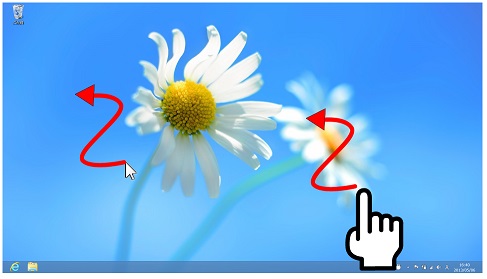
Full screen touch as like a Touchpad operation.
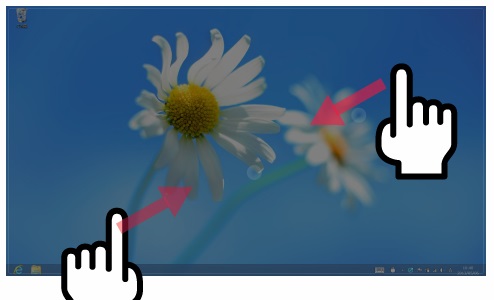
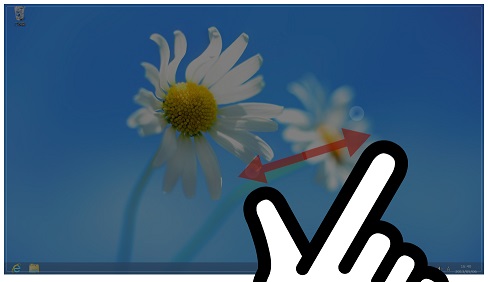
Restore window size by pinch in. (There is quite a distance)
more screen shots
Setting
For setting, right click on virtual touchpad or taskbar icon.
That is, a mouse cursor is put on itself and it is a tap about 'R'.
You can customize single tap, double tap, two fingers, three fingers and anything.
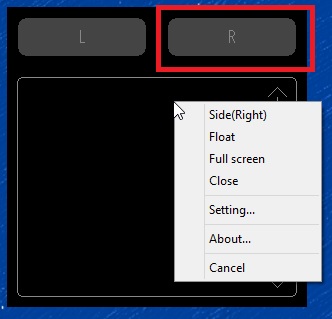
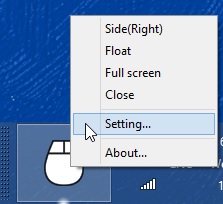 (Taskbar icon is able to long tap)
That is, a mouse cursor is put on itself and it is a tap about 'R'.
You can customize single tap, double tap, two fingers, three fingers and anything.
(Taskbar icon is able to long tap)Notes
This software may induce an operation mistake on the purpose and characteristic.
When operation stops for a certain reason, operation of a mouse pointer may become impossible.
When you carry out usage which a disadvantage generates by an operational problem, please refrain from use of this software.
About 'full screen' mode
This software is not control device driver.
Full screen mode is transparent window, that is full screen size.
Therefore, the case which does not work is also considered.
Full screen mode not work store application, touch kyeboard, UAC elevation confirm dialog, and any.
It's using hardware resource about full screen size surface.
When operation stops for a certain reason, operation of a mouse pointer may become impossible.
When you carry out usage which a disadvantage generates by an operational problem, please refrain from use of this software.
About 'full screen' mode
This software is not control device driver.
Full screen mode is transparent window, that is full screen size.
Therefore, the case which does not work is also considered.
Full screen mode not work store application, touch kyeboard, UAC elevation confirm dialog, and any.
It's using hardware resource about full screen size surface.
Requirements
- Windows8 or later
- Touch panel (Multi touch)
Feedback

Test report
Test reported list
Lenovo Miix2, Dell Venue 8 Pro, Surface Pro, VAIO Duo 11, Latitude10, MSI Windpad 110W, ARROWS Tab Wi-Fi QH55/j, etc.
Troubleshooting
Lenovo Miix2, Dell Venue 8 Pro, Surface Pro, VAIO Duo 11, Latitude10, MSI Windpad 110W, ARROWS Tab Wi-Fi QH55/j, etc.
Troubleshooting